
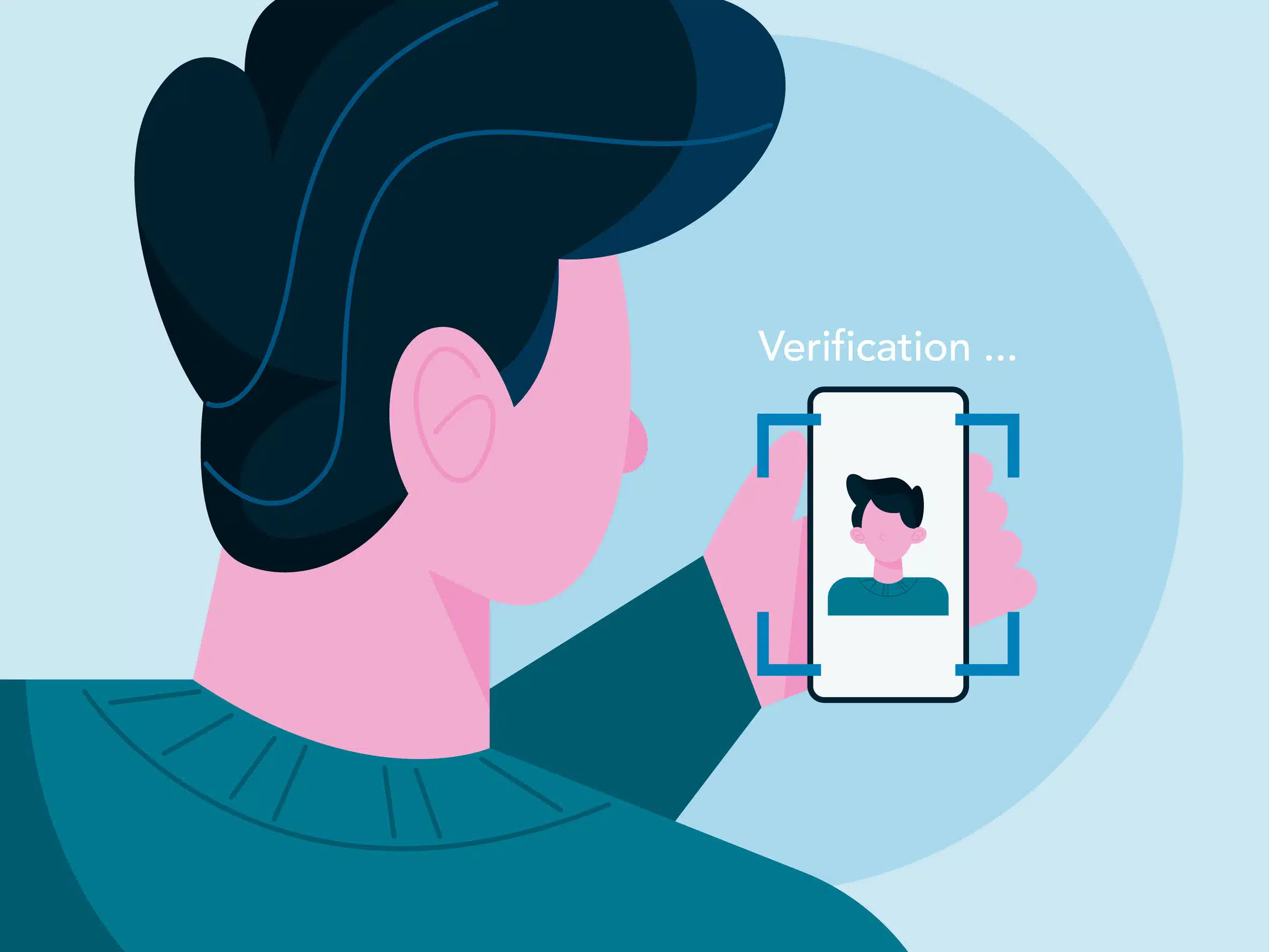
As more people use mobile payment apps to send money, split bills or shop online, it’s natural to wonder just how safe these platforms really are, especially when they ask for sensitive information like your ID or a selfie to verify your identity.
Digital identity verification can feel intrusive, but it’s an important layer of protection that helps prevent fraud and keeps your account secure. Understanding how it works and what you can do to protect yourself can help you confidently use these apps while minimizing the risk of identity theft.
What Is Digital Identity Verification?
Digital identity verification is the process payment apps use to confirm that you are who you say you are. Instead of relying solely on a username and password, these systems cross-check hundreds of data points to ensure that a real, verified person is trying to open or access an account.
Payment platforms such as Venmo, PayPal, Cash App, Zelle and others use identity verification to comply with federal financial regulations designed to prevent money laundering and fraud. This process is similar to how banks verify identity when you open a new account.
Digital identity verification can include:
- Personal information checks, such as name, address, date of birth and Social Security number.
- Device and behavioral data, like your device type, IP address and how you normally log in.
- Document verification, where you upload an image of your driver’s license or passport.
- Biometric authentication, which uses your fingerprint or facial recognition to confirm your identity.
Each piece of information helps the system build confidence that the person attempting to access the app is you, not someone impersonating you.
How Biometrics Play a Role
Many payment apps now integrate with the biometric features built into your mobile device. You might unlock your phone or authorize a payment with:
- Facial verification, using your phone’s camera.
- Fingerprint scanning, using a sensor built into the device.
These biometric methods add a strong layer of security because they are unique to you. Even if a cybercriminal knows your password, they cannot easily replicate your face or fingerprint.
That said, you should always ensure that the payment app you’re using is legitimate and that biometric data is stored securely by your device, not shared externally.
Is Identity Verification on Payment Apps Safe?
Generally speaking, yes, it’s safe. Major payment platforms invest heavily in security and encryption to protect user data. When you are asked to verify your identity, it’s typically a sign that the app is following legal and security standards rather than something to fear.
However, criminals sometimes imitate legitimate companies to trick users into sharing personal information. This is where awareness and caution make a major difference. If you receive a text, email or social media message asking you to verify your identity, do not click the link. Instead:
- Open the payment app directly on your device or go to its official website.
- Check your app notifications to see if a real verification request is pending.
- Contact customer support through the app if you’re unsure.
By verifying only within official channels, you reduce the risk of phishing and fraud.
Safety Guidelines for Using Payment Apps
Even with built-in security measures, your payment app’s safety ultimately depends on how you use it. Follow these best practices to help protect your personal and financial information.
1. Use Only Authorized or Legitimate Apps
Before downloading or using a payment app, verify that it’s the official version from a trusted source such as the Apple App Store or Google Play Store. Avoid apps promoted through unofficial links, social media ads or third-party websites. Fake or look-alike apps can harvest personal and financial data.
If you’re ever unsure, visit the company’s official website and follow their link to download the app safely.
2. Keep Your App Updated
Cybercriminals often exploit outdated software to gain access to accounts. App developers frequently release updates that include security patches, so it’s crucial to update when prompted.
Better yet, turn on “auto-update” to ensure your payment app always runs the latest version. This small step can protect you from known vulnerabilities.
3. Never Reuse Passwords
Password reuse is one of the most common security risks. If you use the same or similar passwords across multiple sites and one gets breached, criminals can attempt to access your other accounts using the same credentials.
Choose a unique password for your payment app that includes:
- At least 12 characters
- A mix of letters, numbers and symbols
- No personal details, like birthdays or pet names
Consider using a password manager to securely store and generate strong passwords for all your accounts.
4. Use Multi-Factor Authentication (MFA)
Multi-factor authentication (MFA) adds another layer of security by requiring something you know (like your password) and something you have (like a code from an app or text message).
If available, use an authentication app (such as Google Authenticator or Authy) instead of SMS text codes. Authentication apps are harder for criminals to intercept and are considered more secure.
With MFA enabled, even if someone steals your password, they still cannot access your account without your verification code.
5. Set Up a Passkey (If Offered)
Some payment apps now offer passkeys, a newer and safer alternative to traditional passwords. Passkeys use cryptographic keys stored on your device, paired with your biometric verification.
Passkeys are not easily guessed, reused or phished, which makes them one of the most secure authentication methods available today. If your payment app supports them, enable this feature through the security settings.
6. Enable All Security Features
Review your app’s security and privacy settings regularly. Turn on every feature available to you, such as:
- Biometric logins (Face ID, Touch ID)
- Account activity alerts
- Transaction notifications
- Automatic logouts after inactivity
These tools can help you spot unusual activity early and act quickly if your account is ever compromised.
Red Flags to Watch Out For
Even the most secure apps can be used unsafely if you fall victim to social engineering. Be alert for:
- Unexpected verification requests from emails or texts that claim to be from your payment app.
- Messages asking for your code or PIN—legitimate companies will never ask for this.
- “Verification” pages that do not use secure HTTPS addresses or that look slightly off from the official brand.
If you suspect something is wrong, stop and verify before acting. You can always check directly in the app or contact the company’s verified support channels.
What to Do If You Suspect Identity Theft
If your payment app account has been compromised or you suspect that your identity has been stolen, take immediate steps to limit the damage:
- Change your passwords for the affected app and any linked accounts.
- Contact the app’s customer service through the official website or app to report the issue.
- Check your financial statements for unauthorized transactions.
- Monitor your credit reports for unfamiliar accounts or inquiries.
- Contact the Identity Theft Resource Center (ITRC) for free, expert assistance.
The ITRC offers personalized support to help victims of identity theft understand what happened, report the incident and recover safely. Our advisors can guide you through contacting creditors, freezing your credit and protecting your identity long-term.
Key Takeaways
- Digital identity verification uses hundreds of data points—including biometrics—to ensure you are who you say you are.
- Most payment app verification processes are safe when handled through authorized channels.
- Always use unique passwords, MFA and updated software to strengthen your security.
- Never respond to unsolicited messages asking you to verify your account—go directly to the app instead.
- Contact the ITRC if you suspect your identity has been misused or stolen.
Need Help After Identity Theft?
If you think your identity has been compromised or you’re unsure what to do next, the ITRC is here to help. Our expert advisors provide free, confidential guidance to help you recover from identity theft and strengthen your digital safety.
Call 888.400.5530 to get started.